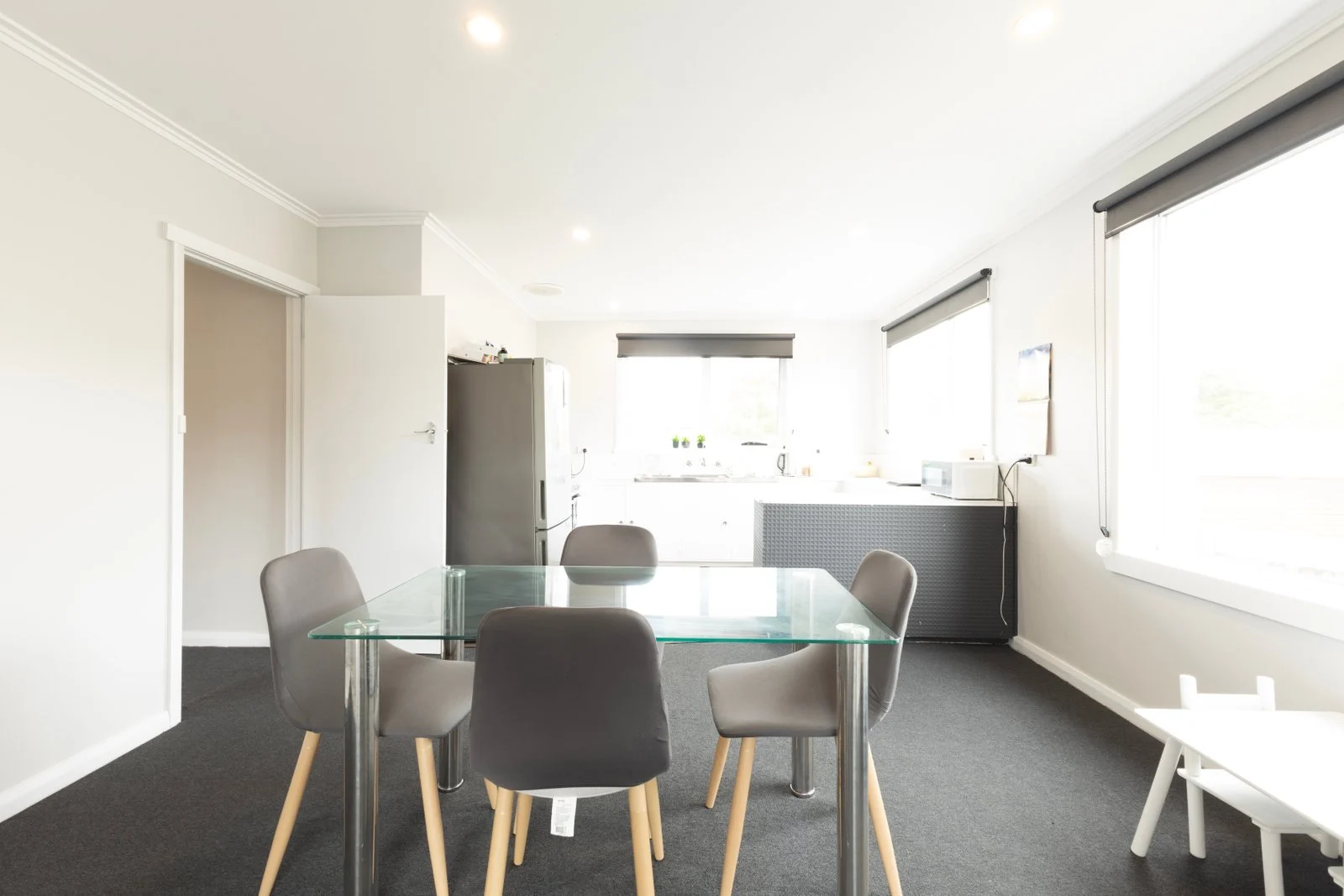
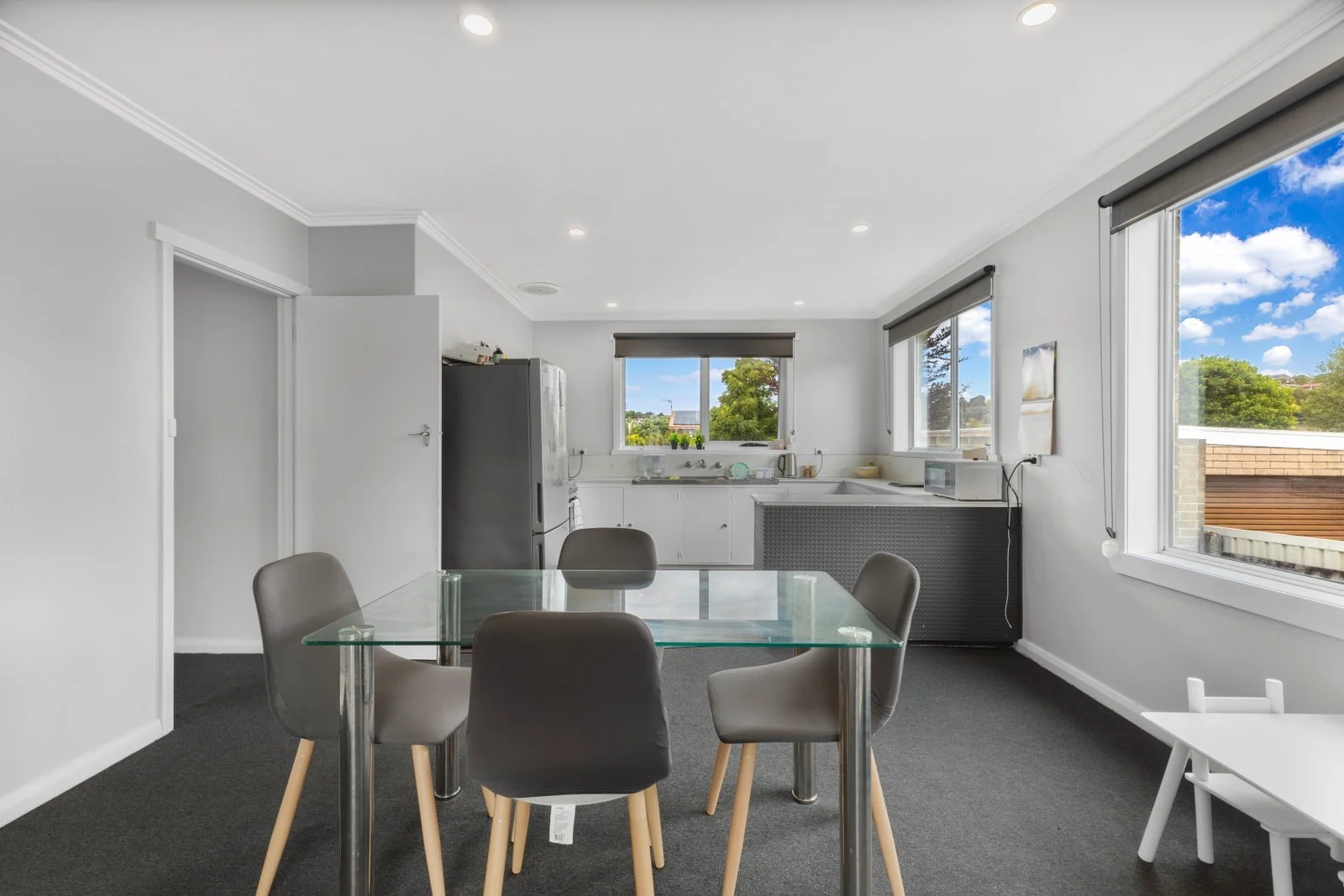
HDR Blending
Three to seven bracketed exposures merged into one frame with clean highlights, open shadows and no halos.
- Hand-blended HDR & flambient
- Straight verticals
- Consistent set-wide color
- 12–24 hours
HDR Photo Enhancement • Virtual Staging • Day-to-Dusk • 2D/3D Floor Plans • Property Video Editing
Photo Enhancement
Our real estate photo enhancement service turns bracketed RAW or JPEG exposures into bright, natural listing photos. Every image is blended by hand, color-corrected, straightened and cleaned, so rooms look the way they feel in person — and the whole set matches your style.
What’s Included
HDR Blending
Three to seven bracketed exposures merged into one frame with clean highlights, open shadows and no halos.
How It Works
Share RAW, JPEG, video or sketches through Dropbox, Google Drive, WeTransfer or email.
Tell us your look once — brightness, sky, color temperature — and we save it as your style guide.
Trained editors work by hand in Lightroom and Photoshop. No one-click filters.
A second editor checks verticals, color, halos and consistency across the whole set.
Receive web and print-ready files. Need a change? Request a revision on the same link.
FAQ
HDR editing blends several exposures of the same room — dark, normal and bright — into one image. The result shows detail in both the bright windows and the darker corners, which a single exposure cannot capture. Editors then correct color, straighten verticals and clean small distractions.
HDR uses only ambient exposures and suits most listings. Flambient adds a flash frame for cleaner whites and more accurate color, especially in rooms with mixed lighting. Flambient takes a little longer to edit and is popular for luxury listings and brokerages with a bright, editorial style.
Three to five brackets at one-stop intervals work for most interiors. For rooms with strong window light, five to seven brackets give the editor more to work with. For flambient, send the ambient frames plus one or more flash frames per composition.
Yes. Send two or three finished photos you like and a short note on brightness, sky and color temperature. We save this as your style guide so every future order is edited to the same look, whichever editor works on it.
Related Services
Send raw walkthrough, gimbal and drone footage — we cut it into smooth, color-graded property videos. You get…
Virtual staging adds realistic furniture, rugs, lighting and decor to empty room photos, so buyers can judge scale…
Buyers spend more time on listings with floor plans. Send us a hand sketch, laser-measure notes or an…
Your property visuals deserve a website that loads fast and turns visitors into enquiries. We design and build…
Start With Pixxium Studio
Send a few files and your style notes. We will edit them free so you can judge quality, communication and turnaround first.